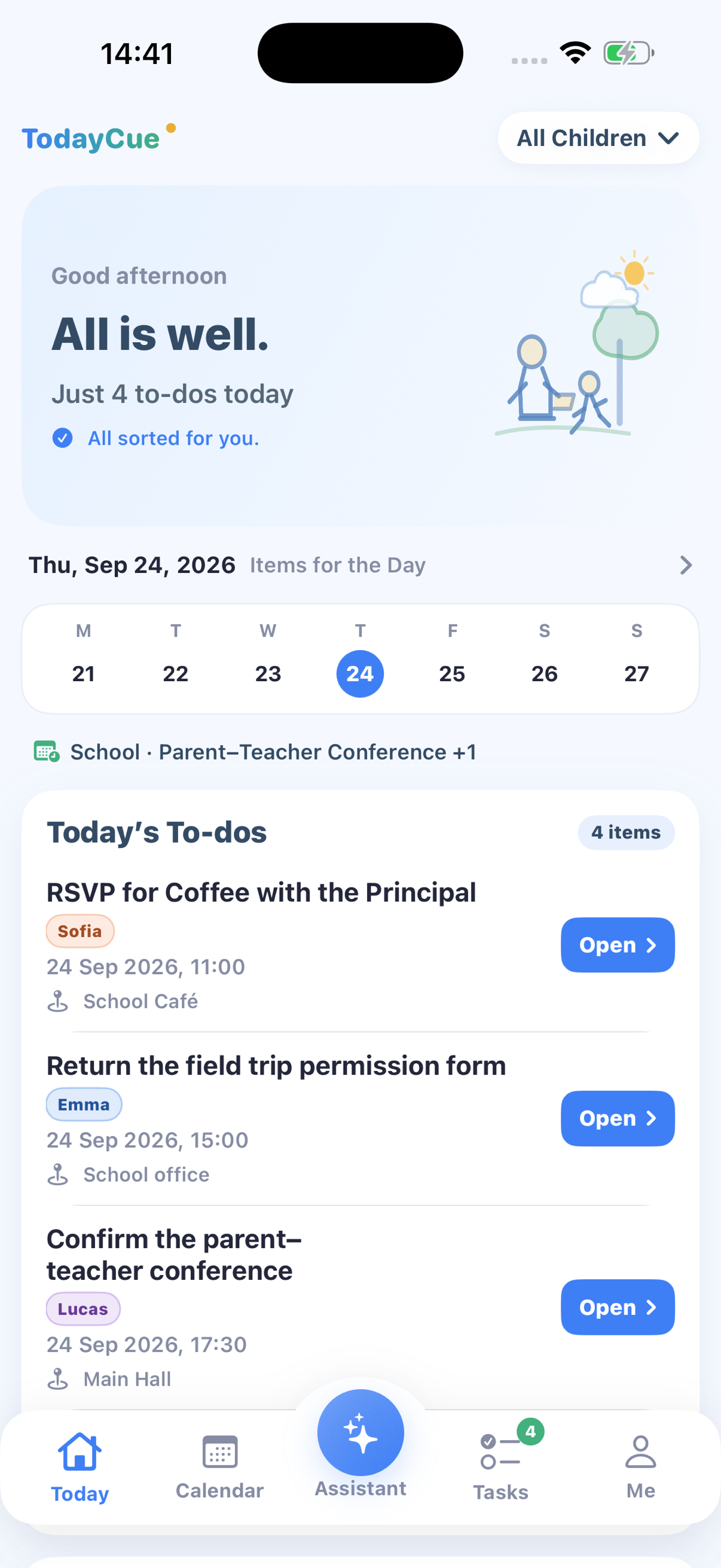

Organize school tasks for multiple children
Different children can mean different calendars, notices and things to pack. todayCue keeps the child and school attached to the arrangement, so you can see each child’s next step in one place.
Start with each child and school
Add each child and associate the correct school. Import the calendars school provided into the right school and child. Children do not need their own accounts.
Review who each task belongs to
After importing a notice or drafting a task by voice, check the associated children and school. Review the selection before saving, especially when several children need the same preparation.
Filter the daily view by child
Use child filters in Today or Calendar. Choose all children for a family overview, or one child while packing that child’s bag.
Set a rule for recurring tasks
For something like bringing library books every Tuesday, create a recurring task and check its frequency and end date. Voice drafts also need review before saving.
Check tomorrow’s preparation
Open the next day’s tasks and items, or hold Assistant and ask “What do we need to bring tomorrow?” Search uses content already saved on this device, not a live school website or mailbox.